
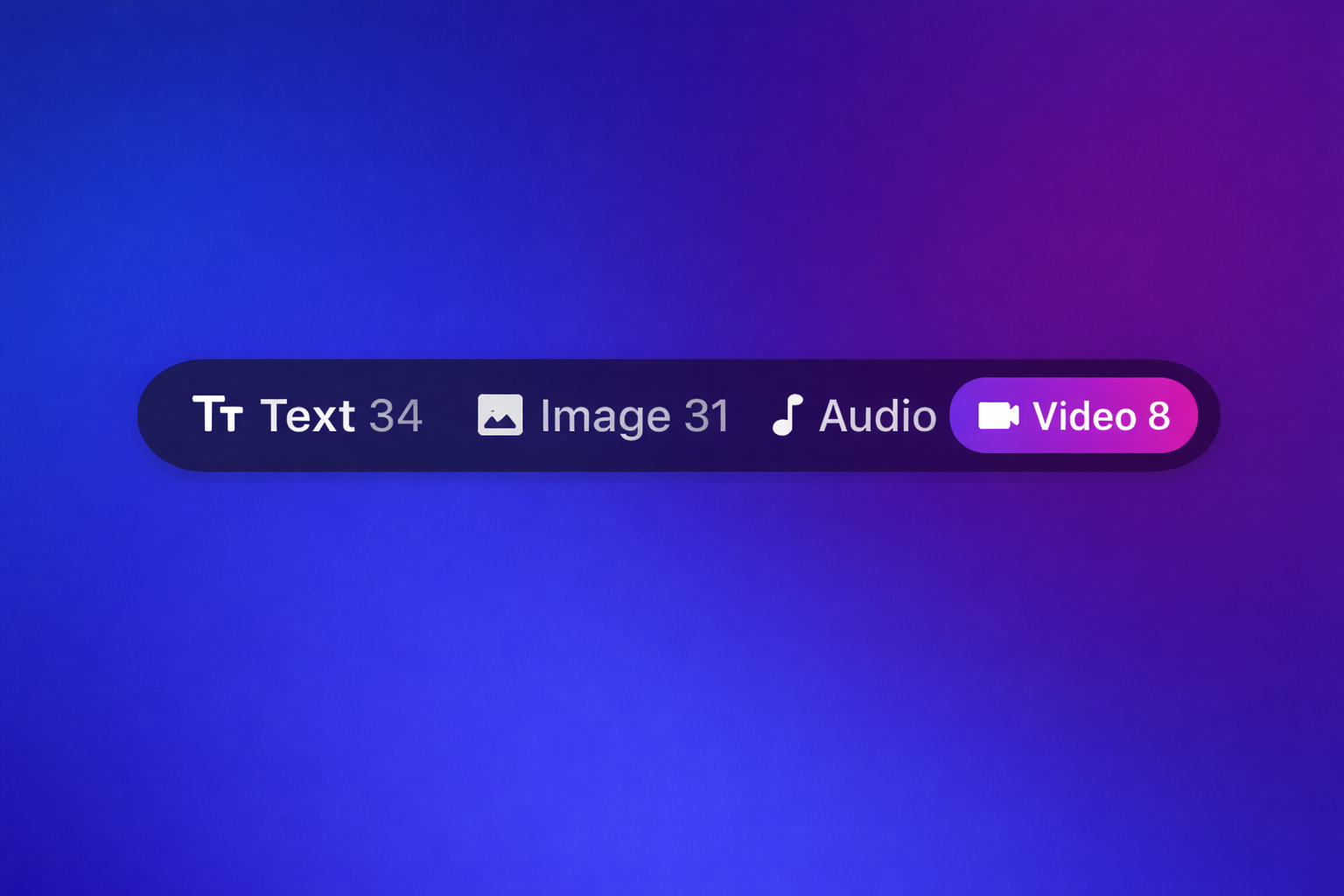
AI Box now supports video models across both the Playground and the Builder, making it easier to create, test, and integrate AI video generation into your workflows.
With this update, users can access leading video generation models from top providers directly inside AI Box. That means you can experiment with prompts in the Playground, compare outputs across providers, and then bring those same capabilities into the Builder to create more advanced AI workflows.
As AI video becomes a bigger part of content creation, marketing, product demos, social media, and creative automation, having video tools built directly into your workspace matters. AI Box is designed to make those tools accessible in one place, without forcing you to jump between platforms.
AI video generation is now available in the Playground
The fastest way to start using AI video in AI Box is through the Playground.
Inside the Playground, you can now browse and select supported video models right from the chat interface. This makes it simple to test prompts, explore styles, and compare model behavior before building anything more advanced.
To find video models in the Playground:
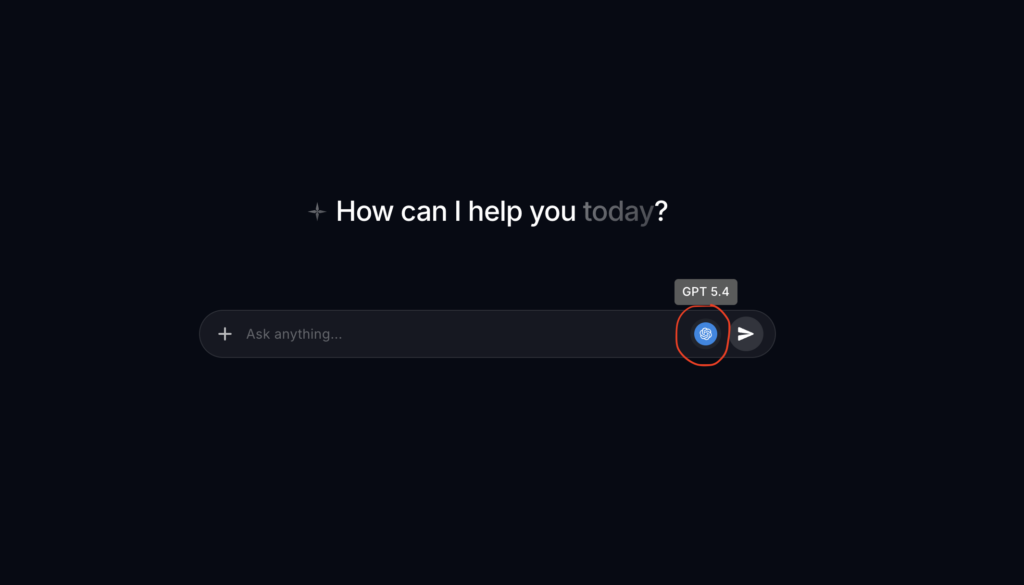
- Click the model icon in the chat bar
- Select Video
- Choose the model you want to use
This new workflow gives users a much easier way to explore AI video generation without leaving the AI Box interface.
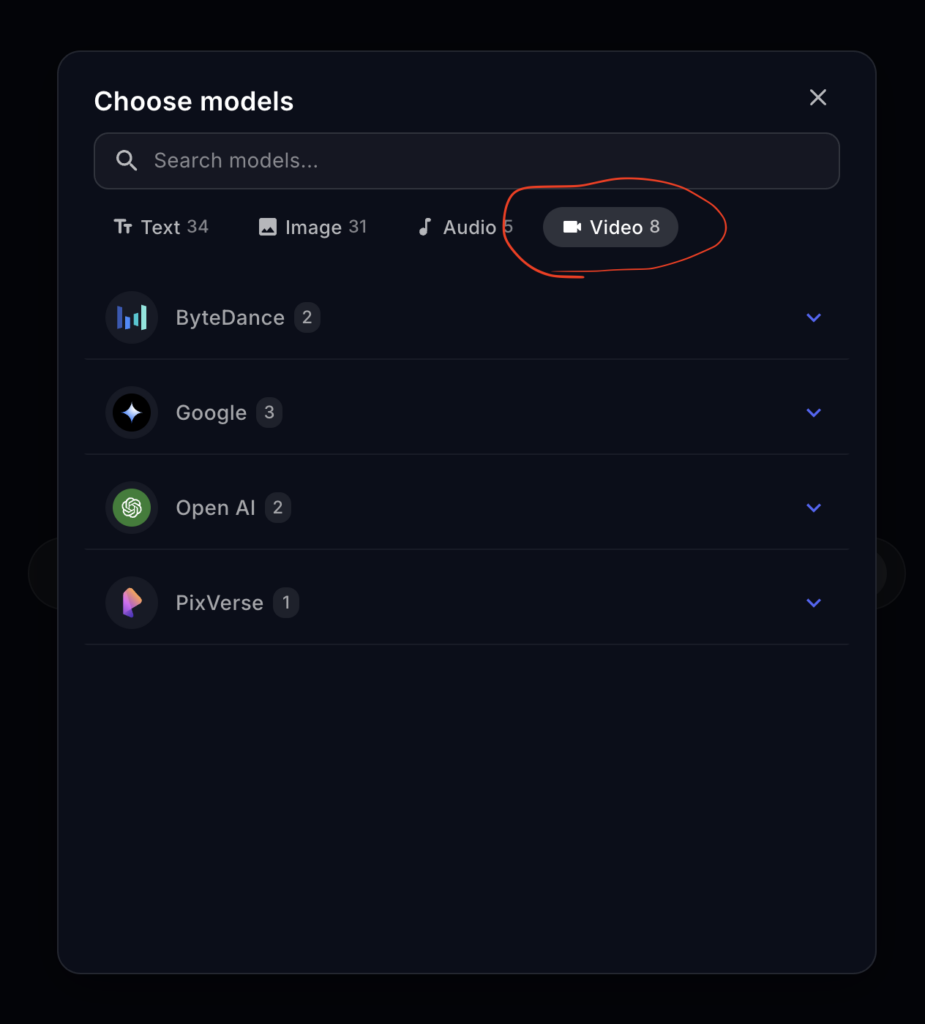
AI video models are also available in the Builder
Once you are ready to go beyond testing and start building repeatable workflows, video models are also available inside the Builder.
This allows you to incorporate video generation into custom automations, multi-step flows, and more advanced AI-powered systems. Whether you are building internal tools, content pipelines, or creative workflows, video can now be part of the process.
To find video models in the Builder:
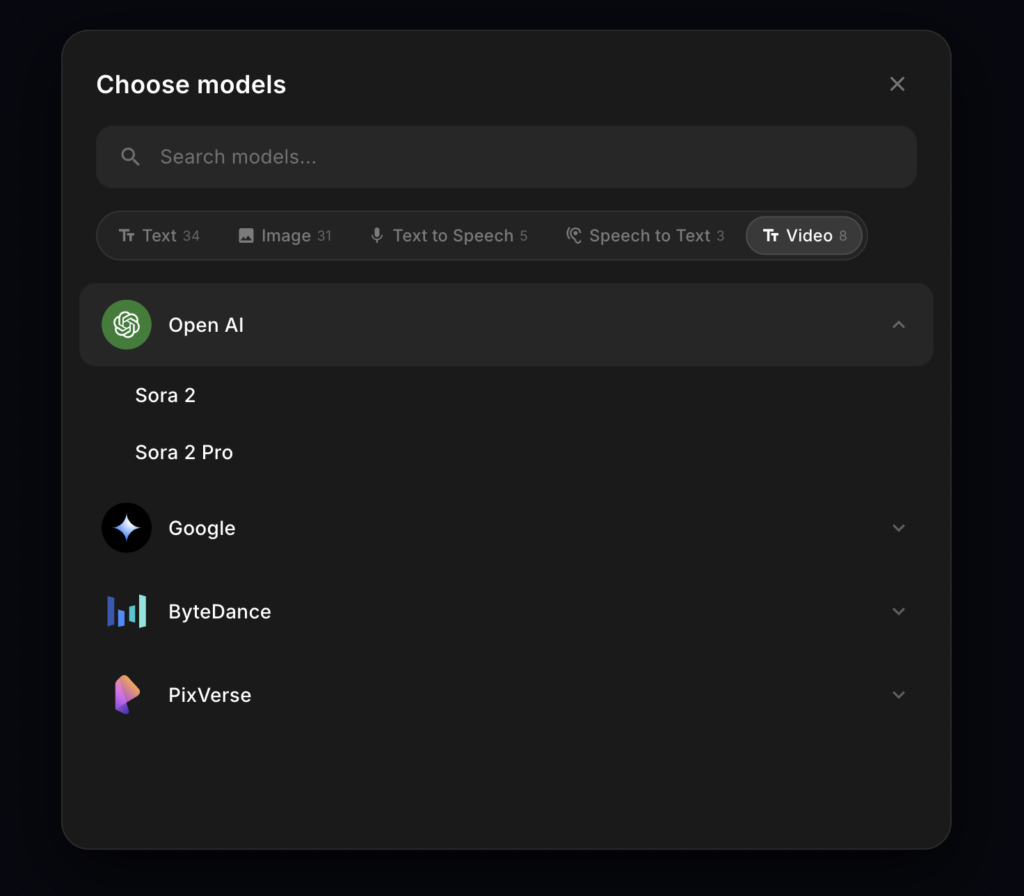
- Double click to open the model selector
- Click Video
- Choose your video model
By adding video model support to the Builder, AI Box makes it possible to move from simple experimentation to scalable execution inside the same platform.
Supported AI video models in AI Box
AI Box currently supports the following video models:
OpenAI
- Sora 2
- Sora 2 Pro
- Veo 2
- Veo 3
- Veo 3 Fast
ByteDance
- Seedance 1.0 Lite
- Seedance 1.0 Pro
PixVerse
- PixVerse V5
This gives AI Box users access to a growing set of top AI video generation models from major providers, all from within one interface.
Why AI video support in AI Box matters
Adding video support is an important step forward for the platform.
AI teams, creators, founders, marketers, and builders are increasingly looking for ways to create more dynamic content with less manual work. Video is one of the most in-demand formats, but it often comes with fragmented tools and complicated workflows.
With AI Box video support, users can:
- generate AI video from leading models in one place
- compare providers without switching tools
- test prompts quickly in the Playground
- build video-enabled workflows in the Builder
- streamline creative and operational processes
This update helps make AI Box a stronger multi-modal workspace for users who want text, image, audio, and now video capabilities inside a single platform.
Built for experimentation and workflow creation
One of the biggest advantages of this release is that AI Box supports video in both major product surfaces.
The Playground is ideal for fast testing, rapid iteration, and prompt exploration. The Builder is where those ideas can become repeatable systems and custom workflows.
That combination matters because most users do not just want access to AI models. They want a practical way to test, refine, and deploy them. With video now supported in both places, AI Box helps close that gap.
Get started with AI video in AI Box
If you are already using AI Box, you can start exploring video models today.
Open the Playground, click the model icon in the chat bar, and choose Video. Or head into the Builder, double click to open the model selector, and choose Video there.
We are excited to keep expanding what users can build with AI Box, and video is a big part of that future.